| Other languages: | Danish • English  |
Creating a New Database File
- Run Kexi, or if it is already running, use .
- On the New Project page, under Blank Projects section, choose .
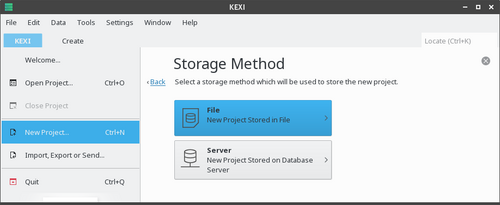
- On the Storage Method page, click .
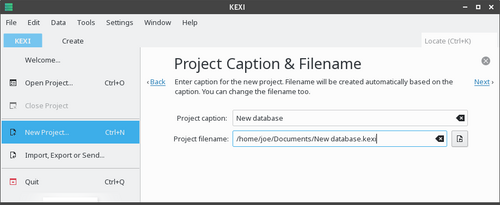
- On the Project Title & Filename, define a title and the filename for the project.
- Click to create the project.
| Information |
|---|
* When you change the project title, the proposed filename automatically changes accordingly.
- You can use the file browser to choose a folder where you would like to save your database file.
|
This page was last modified on 15 February 2012, at 07:16. This page has been accessed 1,483 times.
Content is available under Creative Commons License SA 3.0 and the GNU Free Documentation License 1.2.